
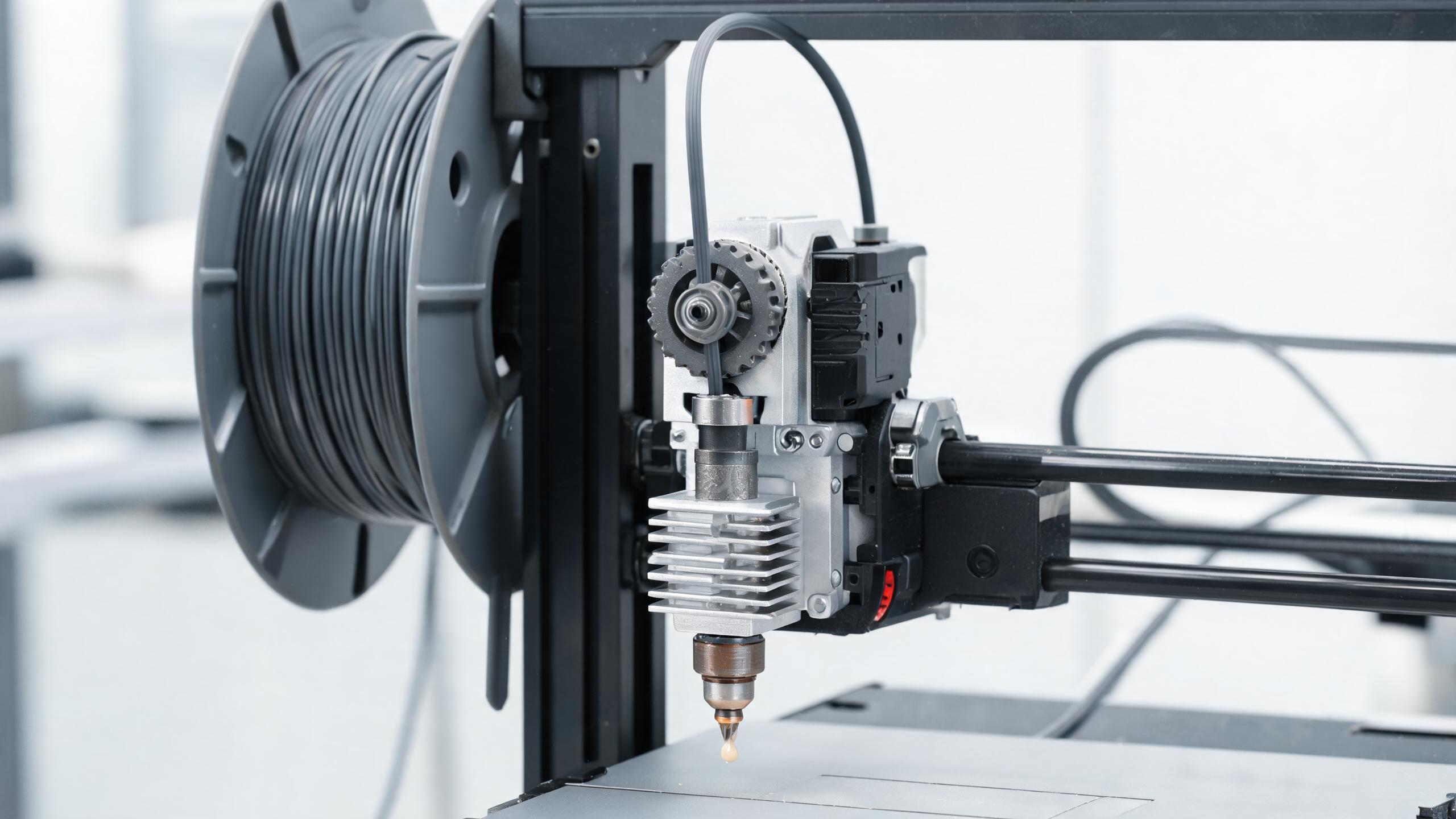
A practical guide for B2B buyers and production managers on diagnosing and fixing common 3D printing issues—clogged nozzle, stringing, and warping—across PLA, PETG, ABS, and TPU. Includes root causes, step-by-step fixes, parameter tables, and preventive measures.
B2B BUYER GUIDE
When you source 3D printed parts or run your own print farm, the difference between a profitable order and a scrapped batch often comes down to three recurring problems: a clogged nozzle, stringing, and warping. These issues affect PLA, PETG, ABS, and TPU differently, and knowing how to fix them quickly can save you hours of downtime and material waste.
This guide is written for procurement managers, production supervisors, and quality engineers who need practical, repeatable solutions—not theory. We cover the root causes, step-by-step fixes, and the exact parameter adjustments for each filament type. If you are evaluating a supplier for 3D printed parts, this guide also helps you ask the right questions about their process control.
- Clogged nozzles are usually caused by moisture, debris, or wrong retraction settings—not just a dirty nozzle. Fix with cold pulls and proper drying.
- Stringing is a retraction and temperature problem. Increase retraction distance and speed, and lower print temperature by 5–10°C.
- Warping is driven by thermal shrinkage. Use a heated bed, enclosure for ABS, and adjust first-layer settings.
- TPU requires slower speeds and direct-drive extruders to avoid jams and stringing.
- Preventive maintenance—regular nozzle cleaning, filament storage, and calibrated settings—reduces these issues by up to 80%.
Why These Three Issues Matter for B2B Buyers
In production, a single failed print can delay a shipment. If you are buying parts from a supplier, their ability to control these variables directly affects your lead time and part quality. For in-house printing, understanding these fixes helps you maintain consistent output and reduce material costs.
Each filament type behaves differently:
- PLA is forgiving but can still clog if wet or if the nozzle is too cold.
- PETG is prone to stringing and warping on sharp corners.
- ABS is the most warp-prone and requires a heated chamber.
- TPU is flexible and can jam if retraction is too high or speed is too fast.
The following sections give you a diagnostic approach: identify the symptom, check the likely causes, and apply the fix that works for your material.
Clogged Nozzle: Causes and Fixes
A clogged nozzle is the most common 3D printing troubleshooting issue. It shows up as under-extrusion, no extrusion, or a grinding sound from the extruder gear. The root cause is often not a dirty nozzle but a combination of factors.
Common Causes of a Clogged Nozzle
- Moisture in filament: Wet filament creates steam bubbles that carbonize inside the nozzle. This is especially common with PETG and TPU. Proper filament dry boxes and filament dryers prevent this.
- Debris or dust: Particles in the filament path can block the nozzle orifice.
- Incorrect retraction: Too much retraction can pull molten filament into the cold zone, causing a plug.
- Nozzle too close to the bed: The first layer can melt and stick to the nozzle, then harden.
- Poor quality filament: Inconsistent diameter or contamination from manufacturing.
Step-by-Step Fix for a Clogged Nozzle
- Heat the nozzle to the filament's recommended temperature (e.g., 210°C for PLA, 240°C for PETG).
- Perform a cold pull: Heat to 160°C, then pull the filament out quickly. This often removes debris and carbonized bits.
- Clean the nozzle with a brass brush or acupuncture needle (0.4mm for a 0.4mm nozzle).
- Check the PTFE tube: If it's worn or not fully seated, it can create a gap where filament leaks and clogs.
- Dry the filament: Use a filament dryer at 50–60°C for 4–6 hours (for PETG and TPU). PLA can be dried at 45°C for 3–4 hours.
- Re-level the bed: Ensure the nozzle is about 0.1mm above the bed at the first layer.
Prevention Tips
- Store filament in sealed bags with desiccant.
- Install a filament filter to catch dust.
- Use a hardened steel nozzle if printing abrasive materials (e.g., carbon fiber-filled).
3D Print Stringing Fix: Stop the Spider Webs
Stringing—thin strands of plastic between parts—is a common quality issue that ruins the finish of a print. It happens when molten filament oozes out of the nozzle during travel moves. The fix is to control retraction and temperature. See our PLA printing parameters guide and ABS temperature settings guide for material-specific ranges.
Root Causes of Stringing
- Retraction too low: Not enough filament is pulled back into the nozzle.
- Print temperature too high: Hotter filament is more fluid and oozes more.
- Travel speed too slow: Longer time in the air means more oozing.
- Nozzle too close to the part: It can pick up and drag plastic.
How to Fix Stringing (Step-by-Step)
- Increase retraction distance: For direct-drive extruders, try 1–2mm; for Bowden, start at 4–6mm. Test in increments of 0.5mm.
- Increase retraction speed: Set it to 40–60mm/s for PLA, 30–50mm/s for PETG, and 20–40mm/s for TPU.
- Lower print temperature: Reduce by 5°C at a time until stringing stops. Do not go below the minimum recommended temperature.
- Increase travel speed: Set travel speed to 150–200mm/s (if your printer can handle it).
- Enable coasting: This stops extrusion a few millimeters before the end of a path.
Filament-Specific Stringing Settings
| Filament | Retraction Distance (Direct Drive) | Retraction Distance (Bowden) | Print Temperature Range | Special Notes |
|---|---|---|---|---|
| PLA | 0.8–1.5 mm | 4–6 mm | 190–220°C | Lower temp often resolves stringing without other changes. |
| PETG | 1–2 mm | 5–7 mm | 230–250°C | Dry filament first; wet PETG strings more. |
| ABS | 1–2 mm | 5–7 mm | 240–260°C | Use an enclosure to maintain temperature. |
| TPU | 0.5–1 mm | Not recommended | 220–240°C | Use direct drive; avoid high retraction to prevent jams. |
If stringing persists, check the nozzle for partial clogs. A partially clogged nozzle can cause irregular extrusion that looks like stringing.
3D Print Warping: Why It Happens and How to Stop It
Warping occurs when the bottom layers of a print shrink and curl upward as they cool. It's most severe with ABS, but can affect PETG and even PLA on large flat parts. For B2B buyers, warping can ruin a batch of parts, especially if they have dimensional tolerances.
Root Causes of Warping
- Thermal shrinkage: As the filament cools, it contracts. The bottom layers cool faster than the upper layers, causing stress.
- Poor bed adhesion: If the first layer doesn't stick well, it will peel off.
- Drafty environment: Airflow cools the part unevenly.
- Low bed temperature: The bottom layers cool too quickly.
How to Fix Warping (Step-by-Step)
- Increase bed temperature: For PLA: 50–60°C; PETG: 70–80°C; ABS: 100–110°C; TPU: 40–50°C.
- Use an enclosure: Especially for ABS. A stable ambient temperature of 40–50°C is ideal.
- Improve first-layer adhesion: Use a textured PEI sheet or apply a thin layer of glue stick or hairspray.
- Add a brim or raft: A brim (5–10mm) increases the surface area and holds down the edges.
- Adjust first-layer settings: Set first-layer height to 0.2–0.3mm and first-layer speed to 20–30mm/s.
- Eliminate drafts: Keep the printer away from open windows, air conditioning, or fans.
Material-Specific Warping Risks
| Filament | Warping Risk | Recommended Bed Temp | Enclosure Needed? |
|---|---|---|---|
| PLA | Low | 50–60°C | No |
| PETG | Medium | 70–80°C | Optional |
| ABS | High | 100–110°C | Yes (essential) |
| TPU | Low | 40–50°C | No |
For large ABS parts, consider using a chamber heater or a cardboard box as a temporary enclosure. Some suppliers use a heated build chamber to maintain a constant temperature, which is the most reliable method.
Advanced Troubleshooting: When the Basics Don't Work
If you've tried the standard fixes and still see issues, the problem may be in your hardware or filament quality. Here are some advanced checks:
For Clogged Nozzles
- Check the heat break fan. If it's not spinning, heat creeps up and melts filament prematurely.
- Use a nozzle cleaning kit to probe the orifice while hot.
- If you print with glow-in-the-dark or carbon fiber filaments, upgrade to a hardened steel nozzle (e.g., 0.4mm or 0.6mm).
For Stringing
- Calibrate your extruder steps (E-steps) to ensure the correct amount of filament is fed.
- Check for a loose PTFE tube in a Bowden setup—it can cause inconsistent retraction.
- Try a different slicer profile. Some slicers handle retraction differently.
For Warping
- Use a mouse-ear brim (small circles at corners) to improve adhesion without adding much material.
- If using a glass bed, apply a thin layer of PVA glue or use a PEI sheet.
- For ABS, consider using a slurry of ABS and acetone to coat the bed.
Preventive Maintenance: The Best 3D Printing Troubleshooting Tool
Most of these issues are preventable. A simple maintenance schedule can save you from costly downtime.
- Weekly: Clean the nozzle with a brass brush, check the PTFE tube, and inspect the extruder gear for wear.
- Monthly: Perform a cold pull to remove any carbonized residue, and check the bed leveling.
- After each filament change: Dry the new filament if it's been exposed to air for more than 24 hours.
- Quarterly: Replace the PTFE tube and check the hotend for degradation.
If you're sourcing parts from a supplier, ask about their preventive maintenance practices. A supplier that follows a schedule is more likely to deliver consistent quality.
When to Call Your Supplier: Quality Issues in Purchased Parts
If you receive 3D printed parts from a supplier and see stringing, warping, or signs of a clogged nozzle (like under-extrusion), you need to know whether it's a one-off or a systemic problem. Here's what to check:
- Ask for their print settings: A professional supplier should be able to share their temperature and retraction profiles.
- Check the filament quality: Inconsistent filament can cause these issues. Look for consistent diameter and proper packaging.
- Request a test part: A simple calibration cube or a stress test with overhangs can reveal quality control.
If the issues are consistent, it may be worth switching to a supplier with more rigorous process control. For in-house operations, use the fixes above to bring your prints back to spec.
FAQ: Quick Answers for Common 3D Print Quality Issues
Why does my PLA string even at low temperatures?
PLA can still string if the retraction distance is too low or if the filament is slightly wet. Try increasing retraction by 0.5mm and ensure the filament is dry.
How do I know if my nozzle is clogged?
Symptoms include under-extrusion (gaps in layers), no extrusion, or a clicking sound from the extruder. A cold pull test will confirm.
Can I print ABS without an enclosure?
It's risky. ABS warps easily without a stable ambient temperature. You can try a large brim and high bed temp, but an enclosure is the reliable solution.
What is the best way to dry PETG?
Use a filament dryer at 65°C for 4–6 hours. If you don't have one, you can use a food dehydrator set to 65°C.
Why does TPU jam in a Bowden extruder?
TPU is flexible and can buckle in a long Bowden tube. Use a direct-drive extruder with minimal retraction (0.5–1mm) and slower speeds (20–30mm/s).
Conclusion: Build a Reliable Process
3D printing troubleshooting is not about guessing—it's about understanding the relationship between temperature, retraction, and material properties. For B2B buyers, mastering these fixes means fewer rejected parts, shorter lead times, and lower costs.
If you're evaluating a supplier for 3D printed parts, use this guide as a checklist. Ask about their filament storage, maintenance schedule, and how they handle defects. A supplier that can articulate these details is more likely to meet your quality standards.
For more insights on 3D printing materials and production best practices, explore our other guides or contact our team to discuss your specific application.