
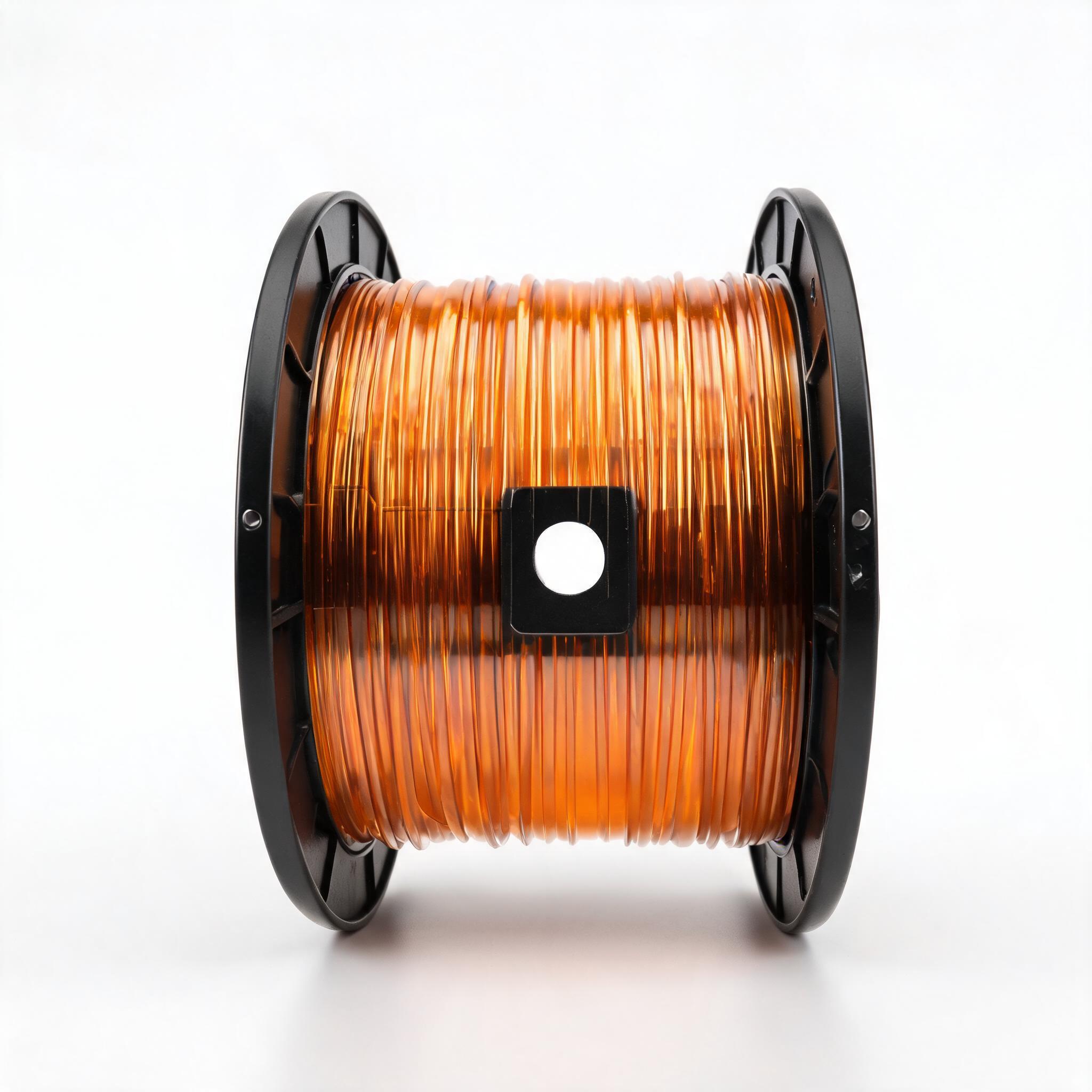
A practical B2B guide for buyers and distributors of 3D printer filament dryers. Learn why hygroscopic filaments fail, what drying temperature and time each material needs, how to evaluate dryer specs versus filament dry boxes, and what to ask suppliers before placing a bulk order.
BUYER GUIDE · FILAMENT DRYING
Why filament drying is a procurement issue, not just a print-quality issue
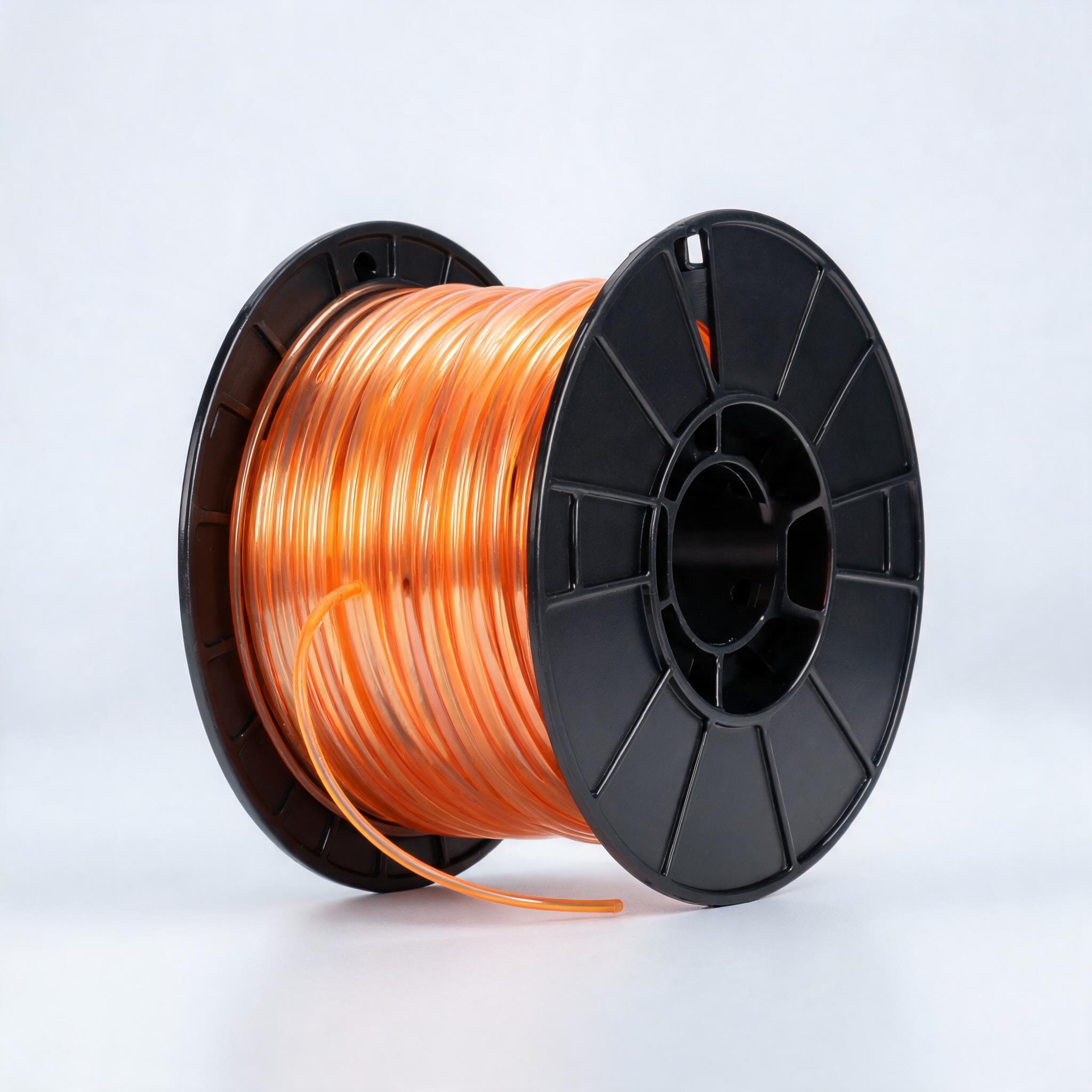
If you buy or distribute 3D printer filament in volume, you have likely seen the same pattern: a customer reports brittle prints, stringing, or poor layer adhesion, and the first suspect is the filament itself. In most cases, the filament is fine. The problem is moisture.
PLA, PETG, ABS, and TPU are all hygroscopic — they absorb water vapor from the air. A spool of PETG left in a typical workshop for a week can absorb enough moisture to degrade print quality noticeably. For a B2B buyer, this matters twice: once for the quality of parts your customers produce, and once for your liability when a batch of filament is blamed for failures it did not cause.
This guide covers what a 3D printer filament dryer actually does, what specifications matter when comparing units, and what to ask a supplier before committing to a bulk order of dryers or filament dry boxes.
- Drying temperature and time are material-specific — one setting does not fit PLA, PETG, ABS, and TPU.
- Air circulation and venting matter as much as raw heater wattage.
- A filament dry box (storage) and a filament dryer (active drying) are different tools; many buyers need both.
- For B2B orders, verify timer range, max temperature, spool size compatibility, and safety certifications before purchase.
What a filament dryer does (and what it does not)
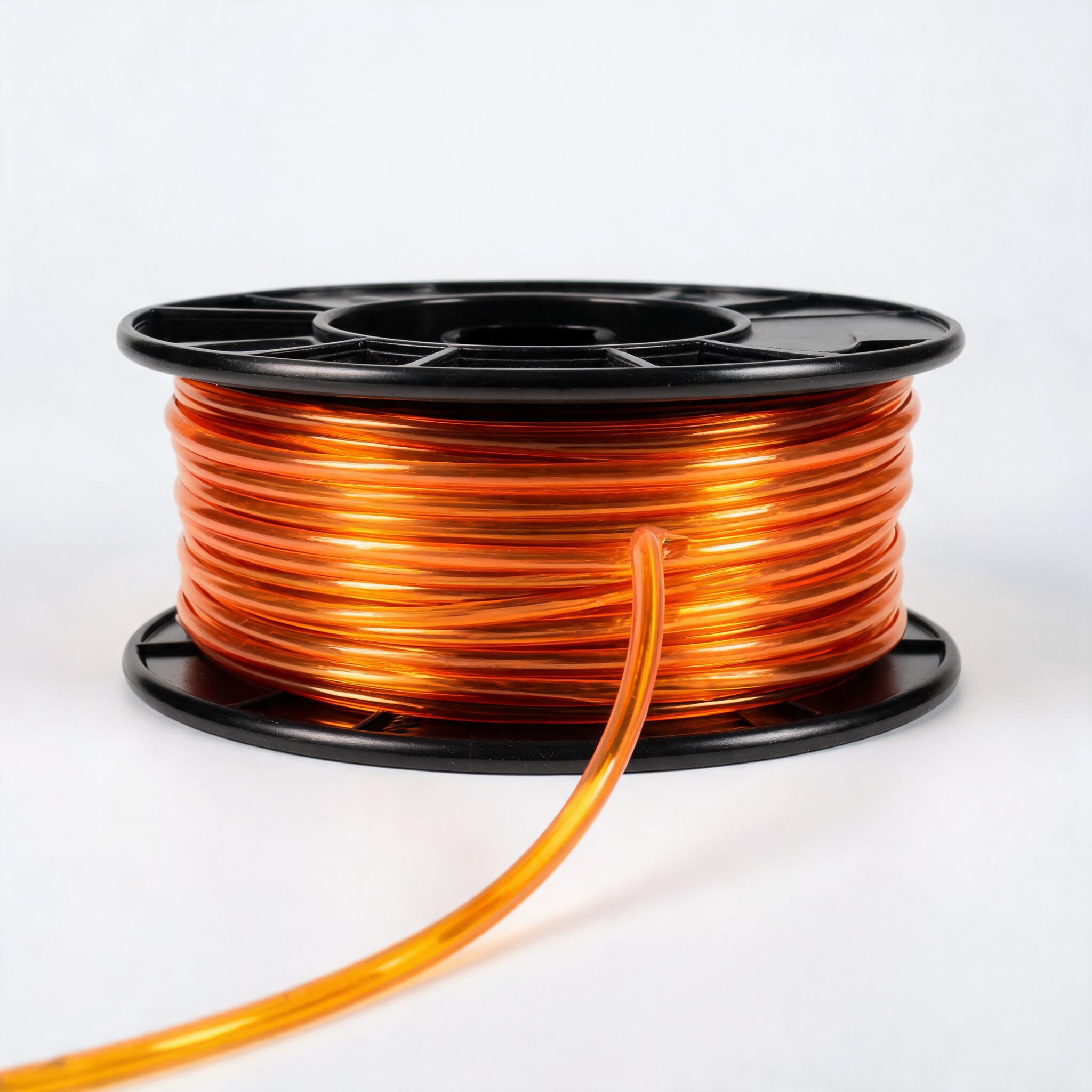
A 3D printer filament dryer is an enclosed chamber that holds one or more filament spools, heats the air inside to a controlled temperature, and circulates that air to drive moisture out of the polymer. The spool is typically placed on a rotating or stationary holder inside the chamber, and the dryer runs for a set time before the filament is moved to the printer.
It is not the same as a filament dry box. A dry box is a passive or lightly active storage container that keeps already-dry filament at low humidity, usually with desiccant. A dryer actively removes moisture; a dry box prevents re-absorption. In a production environment, you often need both: dry before printing, store in a dry box between jobs.
Some hybrid units combine both functions — they dry a spool and then hold it at a set humidity for direct feeding into the printer. These are convenient but tend to cost more, and the drying performance is not always equal to a dedicated dryer. For bulk purchasing, it is worth deciding which function is the priority before comparing models.
Drying requirements by material: PLA, PETG, ABS, TPU
Each polymer absorbs moisture at a different rate and requires a different drying profile. Using a generic setting can under-dry one material and degrade another. The table below gives the commonly accepted drying ranges for the four most common filaments. These are industry-standard figures; always confirm the exact recommendation with the filament manufacturer, as formulations vary.
| Material | Moisture sensitivity | Recommended drying temp | Recommended drying time | Common failure if wet |
|---|---|---|---|---|
| PLA | Low to moderate | 45–55 °C | 4–6 hours | Brittleness, stringing, poor first layer |
| PETG | High | 60–70 °C | 4–6 hours | Stringing, bubbles, weak layer adhesion |
| ABS | Moderate | 70–80 °C | 3–5 hours | Poor surface finish, warping, steam pops |
| TPU | Very high | 50–60 °C | 4–8 hours | Stringing, inconsistent extrusion, weak parts |
Two practical notes for buyers. First, drying temperature is a ceiling, not a target. Exceeding the recommended range can soften or deform the spool, especially with PLA and TPU. Second, drying time is a function of how wet the filament is. A spool that has been exposed to high humidity for weeks may need the upper end of the time range, or a second cycle.
Key specifications to compare when sourcing dryers
When evaluating a 3D printer filament dryer from a supplier, focus on these specifications. They determine whether the unit will work for your customers' materials and volumes.
Temperature range and control accuracy
The dryer must reach at least 80 °C to handle ABS, and ideally 90–100 °C as a safety margin. Control accuracy matters just as much. A unit that drifts ±5 °C around the setpoint can push PLA past its safe ceiling. Look for a stated accuracy of ±2 °C or better, and a thermostat that the supplier can document.
Timer range
Drying cycles run from 3 to 8 hours depending on material and wetness. A timer with a maximum of 4 hours is too short for TPU. Look for a timer that goes to at least 8 hours, preferably 12, so the unit can run overnight without manual restart.
Spool size and capacity
Filament spools come in different widths and diameters. A dryer designed for 1 kg spools may not fit 2 kg or 3 kg industrial spools. Check the internal chamber dimensions against the spool sizes your customers use. Also check whether the unit holds one spool or multiple — this affects throughput and per-part cost in a print farm.
Air circulation and venting
Heat alone does not dry filament effectively; the air inside the chamber must move. Look for a unit with an active fan and an exhaust vent. Without venting, the moisture removed from the filament stays in the chamber and re-absorbs. This is one of the most common weak points in low-cost dryers.
Safety and certification
For B2B orders, safety certification is not optional. A dryer runs for hours unattended, often overnight. Verify that the unit carries relevant certifications for your target market — CE for Europe, UL/ETL for North America, and any local certifications for other regions. Ask the supplier for the certificate numbers, not just a claim of compliance.
Filament dryer versus filament dry box: what to stock
Distributors and print farms often ask whether they should buy a dryer or a dry box. The answer depends on the workflow.
A filament dry box is for storage. It keeps filament at low humidity using desiccant or a small dehumidifying element. It does not actively remove moisture from already-wet filament. If a spool has absorbed moisture, putting it in a dry box will not restore it — the box only prevents further absorption.
A filament dryer is for restoration. It removes moisture from wet filament so it prints correctly. After drying, the spool should be moved to a dry box if it will not be used immediately.
For a print farm running multiple materials, the practical setup is one dryer for each material type (so the temperature is always correct) and dry boxes for storage between jobs. For a distributor, stocking both categories makes sense, but the sales pitch must be clear: they solve different problems.
- Confirm the dryer reaches 80 °C minimum, with documented accuracy of ±2 °C or better.
- Confirm the timer reaches at least 8 hours.
- Confirm the chamber fits the spool sizes your customers use (1 kg, 2 kg, or 3 kg).
- Confirm the unit has an active fan and exhaust vent — not just a heater.
- Request certification numbers (CE, UL/ETL, or regional equivalents) for your target market.
- Ask about MOQ, lead time, and whether custom voltage (110 V / 220 V) is available.
Common mistakes buyers make
Three errors come up repeatedly when companies source filament drying equipment.
Mistake one: buying a dryer with no vent. A sealed chamber with a heater will raise the temperature, but the moisture has nowhere to go. The filament dries partially, then re-absorbs moisture from the air inside the chamber. The result is a unit that seems to work but does not solve the problem. Always verify the vent.
Mistake two: using one temperature for all materials. A single setpoint of 65 °C will dry PETG well but is too hot for PLA and too cool for ABS. If you are stocking dryers for a customer base that prints multiple materials, the unit must have an adjustable range, and your customers need to know the correct settings for each material.
Mistake three: skipping the dry box. Drying a spool and then leaving it on the printer for three days in a humid workshop undoes the drying. The filament re-absorbs moisture from the air. For consistent print quality, the drying step must be paired with proper filament storage. This is a simple point, but it is the most common cause of recurring quality complaints.
What to ask a supplier before ordering
If you are sourcing dryers for resale or for your own print operation, ask the supplier these questions directly. A reliable supplier will answer with numbers, not marketing language.
- What is the maximum chamber temperature, and what is the temperature control accuracy?
- Does the unit have an active fan and an exhaust vent? How is the vent designed?
- What is the timer range, and does it have an auto-off function?
- What spool sizes and widths fit inside the chamber?
- What safety certifications does the unit hold, and can you provide the certificate numbers?
- What is the MOQ, and what is the lead time for bulk orders?
- Do you offer custom voltage (110 V / 220 V) and plug types for different regions?
- What is the warranty period, and what does it cover?
Frequently asked questions
Can I dry filament in a regular kitchen oven?
Technically yes, but it is not recommended for production. Kitchen ovens have poor temperature accuracy, often overshooting by 10–20 °C, which can deform the spool. They also have no air circulation designed for filament, and using a food oven for plastic introduces contamination concerns. A purpose-built filament dryer is the safer and more consistent choice.
How long does dried filament stay dry?
It depends on ambient humidity. In a dry box with desiccant, filament can stay dry for weeks. Exposed to open air in a humid environment, it can re-absorb significant moisture within days. For production, dry filament should be stored in a sealed dry box or used within a few hours of drying.
Can a filament dryer damage filament?
Yes, if the temperature is set too high or the drying time is excessive. PLA and TPU are particularly sensitive. Exceeding the recommended temperature range can soften the spool, cause tangling, or degrade the polymer. This is why temperature accuracy and a reliable timer are important specifications, not nice-to-haves.
Do I need a separate dryer for each material?
Not necessarily, but it is convenient. A dryer with an adjustable temperature range can handle all four materials if the operator changes the settings between runs. In a print farm running multiple materials simultaneously, separate dryers per material avoid the risk of using the wrong setting.
Bottom line for B2B buyers
Filament drying is a measurable, spec-driven problem. The right 3D printer filament dryer removes moisture reliably, holds the correct temperature for each material, and does so safely over long cycles. The wrong one — no vent, poor temperature control, or a short timer — creates recurring quality complaints that get traced back to the filament, not the drying process.
When evaluating suppliers, ask for numbers: temperature range, accuracy, timer range, chamber dimensions, certifications. A supplier that can document these specifications is a supplier you can build a consistent supply chain around.
If you are sourcing dryers, dry boxes, or filament for your market and need specification sheets or bulk pricing, contact our team with your target volumes and materials. We will provide the technical documentation you need to make an informed decision.