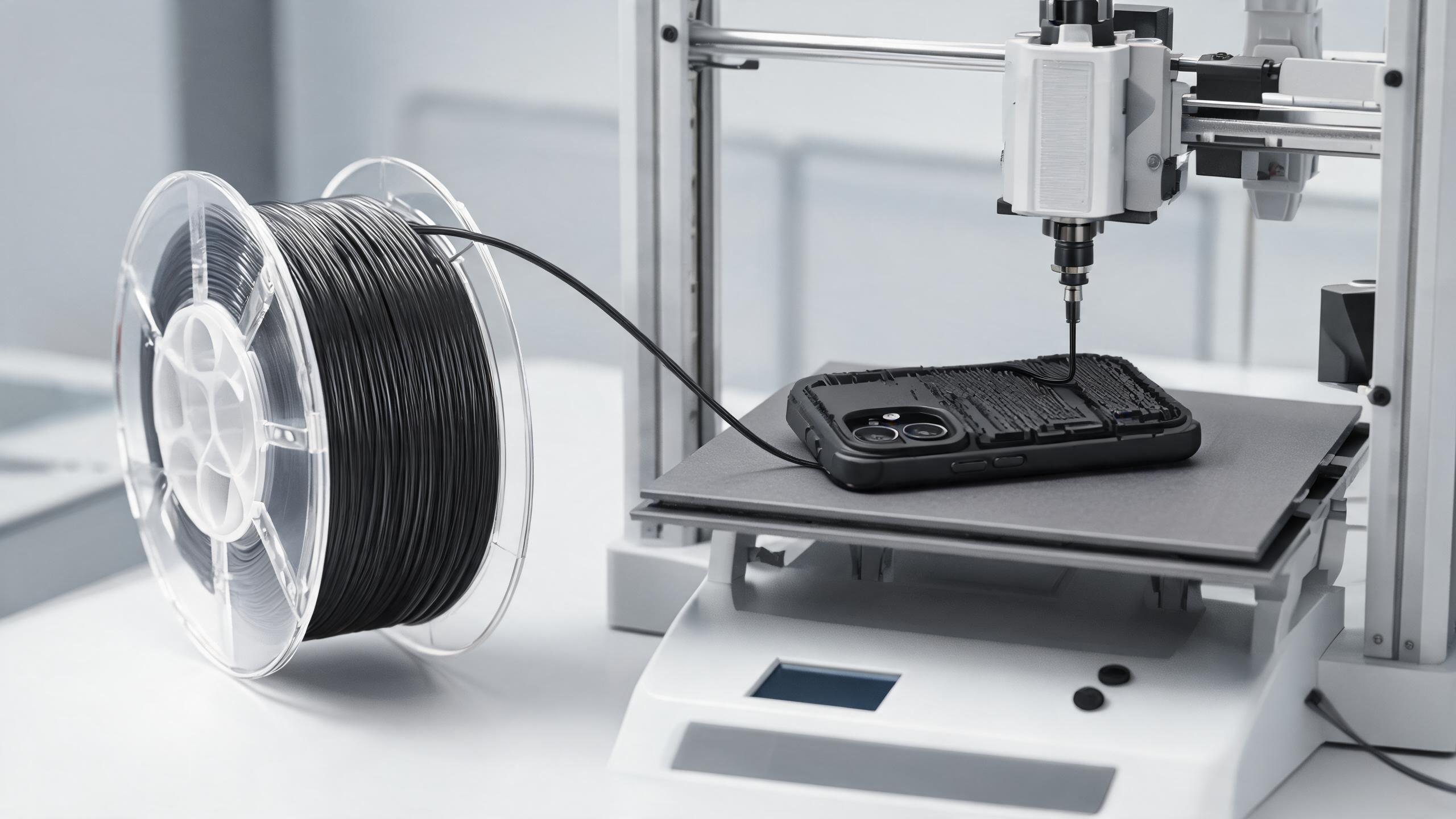
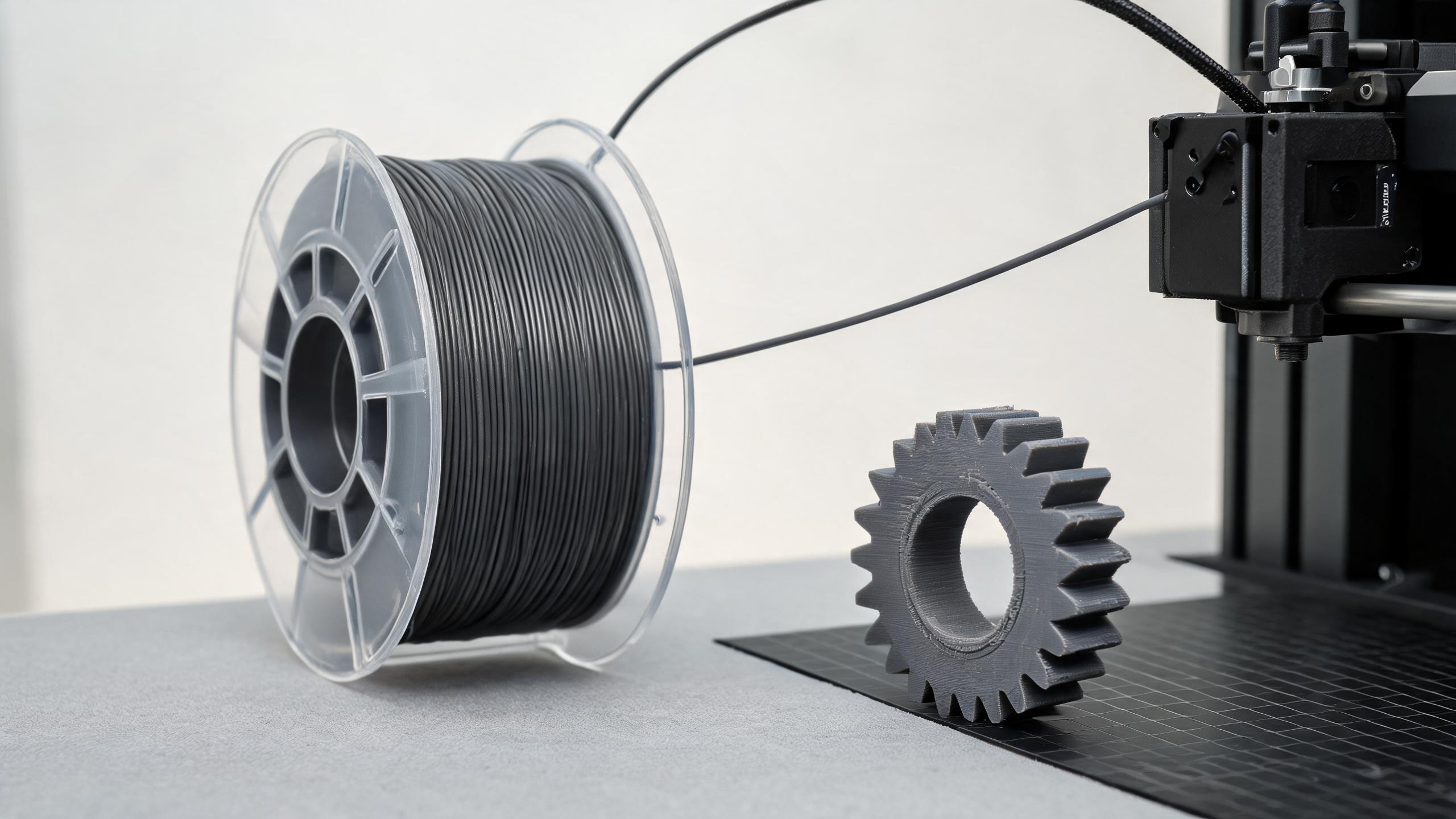
A practical, data-driven guide to PLA filament for B2B procurement and engineering teams. Covers PLA physical properties (density, tensile strength, glass transition temperature), recommended PLA printing temperature settings (nozzle, bed, cooling), common print defects and fixes, and how material specs translate into end-use performance and supplier evaluation criteria.
BUYER & ENGINEERING GUIDE
PLA Printing Parameters and Material Properties: A Complete Guide for B2B Buyers and Engineers
Polylactic acid (PLA) is the most widely used 3D printing material in the world — and the most misunderstood in procurement. Buyers often treat it as a single commodity, then discover that "PLA" from different suppliers prints at different temperatures, warps differently, and produces parts with very different mechanical behavior.
This guide is written for two audiences: engineers who need to set reliable PLA printing parameters, and B2B buyers who need to evaluate PLA filament suppliers against measurable criteria. We cover the physical properties that matter, the exact temperature settings that work, the common defects and their root causes, and how material specs translate into end-use performance.
- PLA is a low-cost, stiff, easy-to-print bioplastic — but it is not heat-resistant (glass transition ~55–60 °C) and is brittle under impact.
- Typical PLA printing temperature: nozzle 190–220 °C, bed 50–60 °C, with active part cooling. Exact values depend on the specific PLA formulation.
- Warping, stringing, and under-extrusion are the three most common defects. Each has identifiable root causes and measurable fixes.
- For B2B buyers: request a technical datasheet (TDS) and check density, tensile strength, elongation at break, and glass transition temperature — not just color and diameter tolerance.
1. PLA Material Properties: The Numbers That Matter
Before discussing printing parameters, you need to understand what PLA is and what it can — and cannot — do in end-use applications. The table below summarizes typical values for standard PLA filament. These are industry-standard ranges; always confirm against the specific supplier's datasheet.
| Property | Typical Value (Standard PLA) | Why It Matters |
|---|---|---|
| Density | 1.24 g/cm³ (solid), ~1.20–1.24 g/cm³ (printed) | Affects part weight estimation and material cost per part. |
| Tensile strength | ~50–60 MPa (printed, along layers) | Determines load-bearing capability in structural parts. |
| Elongation at break | ~5–10% | Low ductility — PLA snaps rather than bends. Poor for snap-fit or impact parts. |
| Glass transition temperature (Tg) | ~55–60 °C | Above this, PLA softens and deforms. Limits hot-environment use. |
| Melting temperature (Tm) | ~150–180 °C | Sets the lower bound for nozzle temperature selection. |
| Heat deflection temperature (HDT) | ~50–55 °C (at 0.45 MPa) | Practical limit for parts exposed to heat or sunlight. |
| Flexural modulus | ~3.5–4.0 GPa | Stiff material — good for fixtures, low for flexible parts. |
| Impact strength (Izod, notched) | ~16–20 J/m | Low impact resistance. Cracks easily on impact. |
1.1 Glass Transition Temperature: The Biggest Limitation
The single most important property for end-use decisions is the glass transition temperature (Tg). At 55–60 °C, PLA transitions from a rigid glassy state to a rubbery, deformable state. This means:
- Parts left in a car on a sunny day will soften and warp.
- Hot-water contact (above ~55 °C) will deform the part.
- PLA is not suitable for outdoor enclosures, engine compartments, or any application above 50 °C continuous exposure.
For buyers: if your application involves heat, friction, or outdoor sunlight, PLA is likely the wrong material. Standard PLA is a prototyping and low-temperature-use material. For higher heat resistance, consider PETG (Tg ~80 °C) or ABS (Tg ~105 °C) — but those come with different printing challenges.
1.2 Density and Cost per Part
PLA density is ~1.24 g/cm³. This is lower than ABS (~1.05 g/cm³ is actually lighter — note: ABS is less dense) — correction: PLA is denser than ABS. Let's be precise:
- PLA: ~1.24 g/cm³
- ABS: ~1.04 g/cm³
- PETG: ~1.27 g/cm³
- Nylon (PA12): ~1.01 g/cm³
For cost estimation: a 1 kg spool of PLA yields roughly 800–830 cm³ of printed volume (accounting for ~10–15% infill density in typical parts). Buyers should calculate material cost per part using density × volume, not just spool price.
1.3 Mechanical Behavior: Stiff but Brittle
PLA has good tensile strength (~50–60 MPa) and high stiffness (flexural modulus ~3.5 GPa). However, its elongation at break is only 5–10%, and impact strength is low. In practice:
- PLA parts hold shape well under static load.
- PLA parts fail suddenly under impact or bending — no gradual yield.
- Threads and thin walls are prone to cracking.
For functional parts that experience vibration, impact, or repeated stress, consider PLA+ (modified with impact modifiers) or PETG. PLA+ typically shows 20–30% higher impact strength than standard PLA, at a modest cost increase.
2. PLA Printing Parameters: The Complete Settings
PLA is considered the easiest material to print, but "easy" does not mean "no parameters." Getting consistent, dimensionally accurate parts requires controlling five variables: nozzle temperature, bed temperature, cooling, print speed, and retraction.
2.1 PLA Printing Temperature: Nozzle
The recommended PLA printing temperature (nozzle) is 190–220 °C. Within this range:
- 190–200 °C: Lower end. Good for fine details, overhangs, and bridging. Risk: under-extrusion if the filament is not fully melted or if print speed is high.
- 200–210 °C: Sweet spot for most standard PLA filaments. Balanced layer adhesion and detail.
- 210–220 °C: Higher end. Better layer adhesion, faster flow. Risk: stringing, oozing, and heat-creep in the hotend.
Note that "PLA filament temperature" varies by formulation. PLA+ (PLA with additives) often prints at 210–230 °C. Silk PLA and wood-filled PLA also have different optimal ranges. Always run a temperature tower test before committing to a large print.
2.2 PLA Printing Temperature: Bed
Recommended bed temperature: 50–60 °C.
- 50 °C: Minimum for good adhesion on most surfaces (glass, PEI, BuildTak).
- 60 °C: Better for larger parts, reduces warping risk at the base.
- No heated bed: Possible with adhesive aids (blue tape, glue stick), but not recommended for parts wider than ~100 mm.
PLA does not require a hot bed the way ABS does, but a heated bed at 50–60 °C significantly reduces first-layer adhesion problems and edge lifting.
2.3 Cooling Fan: Critical for PLA
PLA benefits from active part cooling. The cooling fan should be:
- Off for the first 1–2 layers (to ensure adhesion).
- 100% from layer 3 onward for standard PLA.
- Reduced to 50–80% for large flat parts (to avoid warping from rapid cooling).
Cooling is what gives PLA its clean overhangs and sharp details. If you print PLA without a fan, you will see blobs, poor overhang quality, and heat buildup in small features.
2.4 Print Speed
- First layer: 20–30 mm/s (slower = better adhesion).
- General printing: 40–60 mm/s for standard PLA.
- Fine details / small features: 30–40 mm/s.
- Maximum for draft quality: 80 mm/s, if the hotend can maintain temperature.
PLA can be printed faster than ABS or PETG, but speed increases the risk of under-extrusion if the nozzle temperature is at the low end.
2.5 Retraction Settings (for Stringing Control)
- Direct drive extruder: 0.5–1.5 mm retraction distance, 25–45 mm/s speed.
- Bowden extruder: 3–6 mm retraction distance, 30–50 mm/s speed.
Retraction pulls the filament back into the nozzle to prevent oozing during travel moves. Too little retraction = stringing. Too much = clogging or filament grinding.
2.6 Summary Parameter Table
| Parameter | Recommended Range | Notes |
|---|---|---|
| Nozzle temperature | 190–220 °C | Start at 205 °C; adjust ±5 °C based on defects. |
| Bed temperature | 50–60 °C | 60 °C for large parts; 50 °C for small parts. |
| Cooling fan | Off for layer 1–2, then 100% | Reduce to 50–80% for large flat surfaces. |
| Print speed | 40–60 mm/s | First layer at 20–30 mm/s. |
| Retraction (direct drive) | 0.5–1.5 mm @ 25–45 mm/s | Adjust to eliminate stringing. |
| Retraction (bowden) | 3–6 mm @ 30–50 mm/s | Longer distance needed for bowden setups. |
| Layer height | 0.1–0.3 mm | 0.2 mm is the balanced default. |
| Part cooling | Active, 100% fan | Essential for overhangs and bridging. |
3. Common PLA Printing Issues and Solutions
Even with correct PLA printing parameters, defects occur. Below are the three most common issues, their root causes, and the fixes.
3.1 Warping (Edge Lifting)
Symptom: Corners or edges of the part lift off the build plate during printing.
Root causes:
- Bed temperature too low (below 50 °C).
- First layer too thick or too fast.
- Poor bed adhesion (dirty surface, wrong surface material).
- Large flat parts cooling unevenly.
Solutions:
- Increase bed temperature to 60 °C.
- Slow down first layer to 20–25 mm/s.
- Clean the build plate with isopropyl alcohol before each print.
- Use a brim (5–10 mm) for parts with sharp corners.
- Ensure the cooling fan is off for the first 2–3 layers.
PLA warps far less than ABS, but it is not immune. Large flat bases and parts with sharp corners are the most vulnerable.
3.2 Stringing and Oozing
Symptom: Thin wisps of plastic between separate parts or across open spaces.
Root causes:
- Nozzle temperature too high (above 215 °C).
- Retraction distance or speed too low.
- Travel speed too slow.
- Filament moisture (wet filament oozes more).
Solutions:
- Lower nozzle temperature by 5–10 °C.
- Increase retraction distance (try +0.5 mm) or speed.
- Increase travel speed to 150 mm/s or higher.
- Dry the filament (see Section 4.2).
Stringing is cosmetic in many parts, but it matters for mechanical assemblies where strings interfere with tolerances or moving parts.
3.3 Under-Extrusion
Symptom: Thin, sparse, or missing layers; gaps in the top surface; weak parts.
Root causes:
- Nozzle temperature too low (below 190 °C).
- Print speed too high for the temperature.
- Partial nozzle clog.
- Filament diameter inconsistency (too thin in spots).
- Extruder steps/mm not calibrated.
Solutions:
- Increase nozzle temperature by 5–10 °C.
- Reduce print speed by 10–20 mm/s.
- Perform a cold pull to clear the nozzle.
- Measure filament diameter at several points; if variation exceeds ±0.05 mm, contact the supplier.
- Calibrate extruder e-steps.
Under-extrusion is the most serious defect because it affects part strength, not just appearance. If you see consistent under-extrusion, check the filament diameter first — inconsistent filament is a supplier quality issue.
4. PLA Filament Properties: What to Check When Buying
For B2B buyers, the filament datasheet is the most important document. Here is what to verify before committing to a supplier.
4.1 Diameter Tolerance
The standard is 1.75 mm ± 0.02 mm (or ± 0.03 mm for budget filaments). Inconsistent diameter causes under-extrusion, over-extrusion, and clogging. Ask the supplier for their tolerance spec and their in-process QC method.
4.2 Moisture Content
PLA is hygroscopic — it absorbs moisture from the air. Wet filament prints with bubbles, stringing, and poor surface finish. Suppliers should state:
- Moisture content at packaging (typically < 0.1%).
- Packaging type (vacuum-sealed with desiccant is standard).
- Recommended drying conditions (e.g., 45–50 °C for 4–6 hours in a filament dryer).
For buyers: if the filament arrives without vacuum packaging and desiccant, that is a red flag for quality control.
4.3 Batch Consistency
Color and mechanical properties should be consistent across batches. Ask the supplier:
- Do you test each batch for tensile strength and diameter?
- What is your batch-to-batch variation in tensile strength?
- Can you provide a certificate of analysis (COA) per batch?
Consistency matters for production environments where a change in filament behavior affects thousands of parts.
4.4 PLA vs. PLA+ vs. Specialty PLA
| Type | Typical Tensile Strength | Impact Resistance | Printing Temp | Best For |
|---|---|---|---|---|
| Standard PLA | ~50–60 MPa | Low | 190–210 °C | Prototypes, visual models, low-stress parts |
| PLA+ | ~55–65 MPa | Moderate (20–30% higher than PLA) | 200–220 °C | Functional parts, hinges, snap-fits |
| Silk PLA | ~45–55 MPa | Low | 200–220 °C | Decorative parts, consumer goods |
| Wood-filled PLA | ~35–45 MPa | Low | 200–220 °C | Architectural models, aesthetics |
| Carbon-fiber PLA | ~60–75 MPa | Low–moderate | 200–230 °C | Lightweight stiff parts (use hardened nozzle) |
4.5 What the Datasheet Should Include
A complete PLA material datasheet should list:
- Density (g/cm³)
- Melt flow index (MFI, g/10 min at 190 °C / 2.16 kg)
- Tensile strength (MPa) and elongation at break (%)
- Flexural modulus (MPa)
- Impact strength (Izod or Charpy, J/m or kJ/m²)
- Glass transition temperature (°C)
- Heat deflection temperature (°C)
- Recommended printing temperature range
- Moisture content at packaging
- Drying recommendations
If a supplier cannot provide these values, treat it as a warning. A serious filament manufacturer tests and documents these properties.
5. How Material Properties Affect End-Use Performance
The gap between "it prints fine" and "the part works in the field" is where material properties matter most. Here is how PLA specs translate into real-world performance.
5.1 Heat Exposure
A PLA part printed at 205 °C with 100% infill will still deform at 60 °C ambient temperature. If your application involves:
- Enclosed electronics (internal temperature can reach 50–70 °C)
- Outdoor sunlight exposure
- Contact with warm liquids
- Friction or heat generation
...then standard PLA will fail. Switch to PETG or ABS. If you must use PLA, design for heat — add ventilation, keep the part away from heat sources, or use PLA+ with higher HDT.
5.2 Mechanical Load
PLA's tensile strength of 50–60 MPa is respectable, but its low elongation at break means it fails without warning. For load-bearing parts:
- Design with thicker walls (3+ perimeters).
- Use higher infill (40%+ for structural parts).
- Orient the part so the load is perpendicular to layer lines (layers are the weak plane).
- Consider annealing (see Section 5.4) to improve interlayer adhesion.
5.3 Dimensional Accuracy
PLA prints with good dimensional accuracy — typically ±0.1–0.2 mm on a well-calibrated printer. This makes it suitable for:
- Jigs and fixtures
- Prototype housings
- Fit-check models
- Molds for casting (low-temperature)
For tighter tolerances (±0.05 mm), you need a well-tuned printer, dry filament, and consistent printing parameters.
5.4 Annealing PLA (Optional Post-Processing)
Annealing PLA in an oven at 80–90 °C for 30–60 minutes can increase crystallinity, raising heat resistance and strength. However:
- Parts shrink ~1–3% during annealing (dimensions change).
- Thin parts may warp during annealing.
- Annealing is not practical for production volumes.
Annealing is a niche technique for specific engineering needs, not a general solution.
6. Supplier Evaluation Checklist for B2B Buyers
When evaluating a PLA filament supplier, use this checklist:
| Check Item | What to Ask | Why It Matters |
|---|---|---|
| Diameter tolerance | What is your tolerance spec (±0.02 mm or better)? | Inconsistent diameter causes print defects. |
| Moisture control | Is filament vacuum-sealed with desiccant? What is moisture content at packaging? | Wet filament = poor surface finish and strength. |
| Batch testing | Do you test tensile strength and diameter per batch? Can you share a COA? | Batch consistency is critical for production. |
| Datasheet completeness | Does your TDS include density, Tg, tensile strength, elongation, HDT? | Complete data = professional manufacturing. |
| Printing temperature range | What is your recommended nozzle and bed temperature? | Should match your printer's capabilities. |
| MOQ and lead time | What is your minimum order quantity? What is typical lead time? | Affects your inventory planning. |
| Custom color / packaging | Do you offer custom colors or spool packaging? | Relevant for branded or private-label products. |
7. Frequently Asked Questions (FAQ)
Q: What is the best PLA printing temperature? A: For standard PLA, 200–210 °C nozzle and 50–60 °C bed. Start at 205 °C and adjust based on a temperature tower test. PLA+ and specialty formulations may need 210–230 °C.
Q: Can I print PLA without a heated bed? A: Yes, for small parts under ~100 mm, using blue tape or glue stick. For larger parts, a 50–60 °C bed significantly reduces warping and improves first-layer adhesion.
Q: Why is my PLA stringing? A: Usually nozzle temperature too high, retraction too low, or wet filament. Lower temperature by 5 °C, increase retraction by 0.5 mm, and dry the filament if needed.
Q: What is the difference between PLA and PLA+? A: PLA+ has added impact modifiers, giving 20–30% higher impact resistance and slightly higher printing temperature requirements. It is a better choice for functional parts that experience stress.
Q: How do I store PLA filament? A: In a sealed bag with desiccant, or a dry box. PLA absorbs moisture from the air; wet filament prints poorly. If filament is wet, dry it at 45–50 °C for 4–6 hours.
Q: Is PLA food-safe? A: PLA is made from renewable resources (corn starch, sugarcane) and is generally considered food-contact-safe in its raw form. However, 3D-printed parts have layer lines and micro-gaps that can harbor bacteria. Do not use 3D-printed PLA for food contact unless you have verified food-safe post-processing.
Q: Can PLA be recycled? A: PLA is technically recyclable in industrial composting facilities, but it is not accepted in most municipal recycling streams. It does not biodegrade in a landfill. Check local regulations.
Q: What temperature does PLA soften at? A: The glass transition temperature is ~55–60 °C. Above this, PLA softens and deforms. Do not use PLA parts above 50 °C continuous exposure.
8. Final Recommendations
For B2B buyers and engineers, the decision framework is straightforward:
- If your application is prototyping, visual models, or low-stress parts at room temperature — standard PLA is the most cost-effective choice.
- If your parts see mechanical stress, impact, or mild heat — choose PLA+ or move to PETG.
- If your parts see heat above 60 °C, outdoor exposure, or chemical contact — PLA is the wrong material. Use PETG, ABS, or nylon.
When evaluating suppliers, demand a complete technical datasheet, verify diameter tolerance and moisture control, and request batch test results. The cheapest filament per kilogram is rarely the cheapest per usable part — print defects and failed parts cost more than the filament savings.
For specific product specifications, MOQ, or custom color options, contact our team — we can provide detailed datasheets and discuss your application requirements.
This guide is for informational purposes. Actual PLA material properties and printing parameters vary by manufacturer and formulation. Always verify specifications with your filament supplier before production.