
A practical reference for wholesale buyers: PLA printing temperature, ABS printing temperature, PETG settings, how temperature affects print quality, and how to source filament with consistent thermal performance.
BUYER GUIDE · FILAMENT SOURCING
If you buy 3D printer filament in volume, you already know the pain: one batch prints clean, the next jams the nozzle or warps off the bed. The difference often comes down to temperature behavior — not just the numbers on the spool, but how consistently the filament performs across a batch and across suppliers.
This guide gives you a practical 3D printing temperature chart for PLA, PETG, and ABS, explains how nozzle and bed temperature affect print quality, and walks through what to check when sourcing filament with consistent thermal performance for wholesale.
Key takeaways for buyers:
PLA printing temperature typically ranges 190–220°C nozzle, 50–70°C bed. PETG needs 230–250°C nozzle, 70–85°C bed. ABS runs 220–250°C nozzle, 95–110°C bed.
Temperature affects layer adhesion, warping, stringing, and dimensional accuracy — not just “printability”.
When sourcing, ask for the filament’s thermal specification sheet and check batch-to-batch consistency, not just the label.
Filament with a wider stable temperature window is more forgiving for your customers and reduces your quality complaints.
Always confirm actual settings with the manufacturer — these ranges are starting points, not guaranteed values.
Why Temperature Matters in FDM Printing
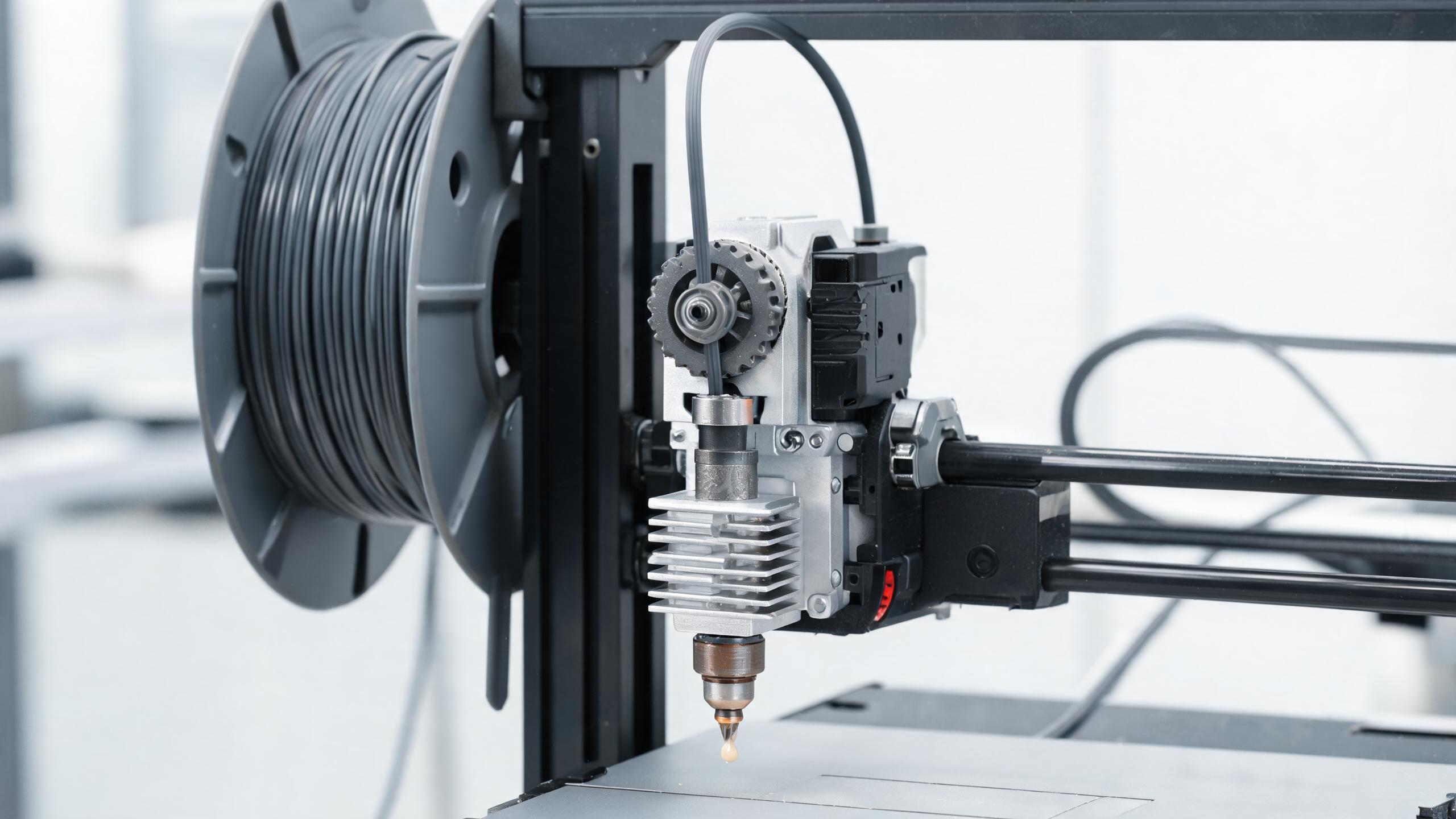
Consistent extrusion depends on printing within the correct temperature window for each material.
In FDM printing, the nozzle melts the filament and deposits it layer by layer. The bed keeps the first layer stuck to the build plate. Both temperatures directly influence how the plastic flows, cools, and bonds.
Set the nozzle too low, and the filament doesn’t melt fully — you get under-extrusion, weak layers, or a clogged hotend. Too high, and the plastic degrades, causing discoloration, stringing, or poor detail. The bed temperature matters just as much: too low, and the first layer lifts (warping); too high, and the bottom of the print becomes soft and squishes. Many of these symptoms overlap with the issues covered in our 3D printing troubleshooting guide.
For a buyer, the practical issue is that different filament grades — even within the same material — have different optimal ranges. A supplier that gives you a clear temperature chart and stands behind it saves you from trial-and-error and returns.
3D Printing Temperature Chart: PLA, PETG, ABS
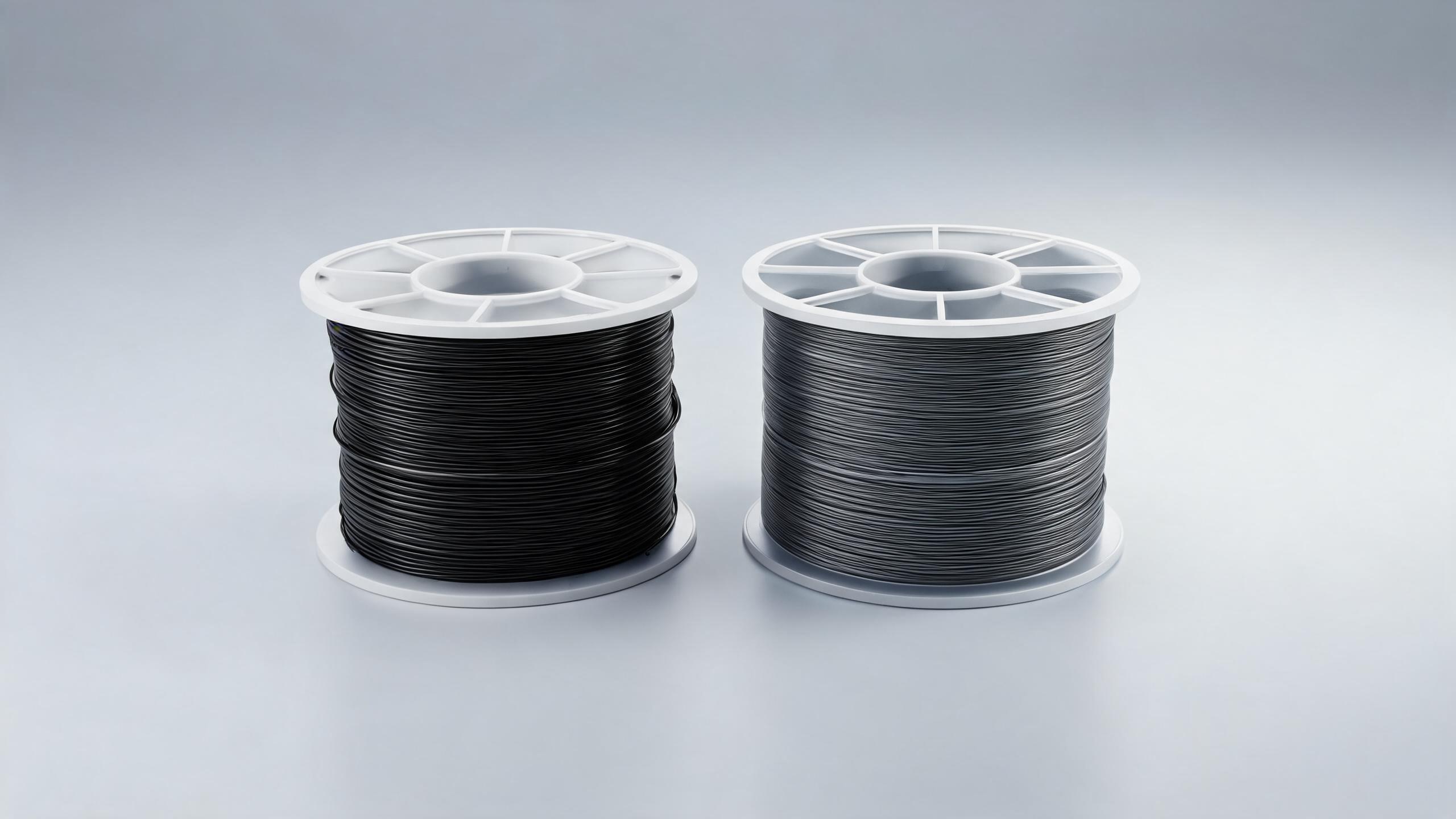
PLA, PETG and ABS each require different nozzle and bed temperatures.
Below is a quick-reference table for the most common FDM materials. Treat these as general starting points — always check the manufacturer’s recommendations for the specific filament you buy. If you’re still deciding which material fits your product line, our PLA vs PETG vs ABS comparison covers the trade-offs in detail.
Material | Nozzle Temperature (°C) | Bed Temperature (°C) | Typical Print Speed (mm/s) | Notes |
|---|---|---|---|---|
PLA | 190–220 | 50–70 | 40–60 | Easiest to print; low warping; good detail. Best for prototypes and visual models. |
PETG | 230–250 | 70–85 | 30–50 | Stronger and more durable than PLA; slight stringing; needs a release layer on bed (e.g., glue stick). |
ABS | 220–250 | 95–110 | 40–60 | High strength and heat resistance; prone to warping; requires an enclosed printer or draft-free environment. |
These numbers are typical for standard grades. For example, a PLA filament with additives (like carbon fiber or silk) may need a higher nozzle temperature — sometimes up to 230°C. Always verify with the supplier’s data sheet.
PLA Printing Temperature: The “Easy” Material
PLA (polylactic acid) is the most common filament for beginners and for prototyping. Its low melting point makes it forgiving, but that doesn’t mean temperature is irrelevant.
Nozzle: 190–220°C. At 190°C, PLA flows slowly and may under-extrude. At 220°C, it flows fast and can string. Most standard PLAs print well at 200–210°C.
Bed: 50–70°C. A heated bed is not strictly required for PLA, but a 60°C bed helps the first layer stick without warping. Too high (above 70°C) can cause the bottom of the print to soften and deform.
For bulk buyers, the key is that PLA filament temperature tolerance varies by brand. A filament that prints well at 200°C might need 215°C in another brand. If you supply to customers who use a “one-size-fits-all” temperature profile, a filament with a wider optimal range (e.g., 190–220°C) will produce fewer failures.
ABS Printing Temperature: Managing Warping
ABS (acrylonitrile butadiene styrene) is valued for its strength, impact resistance, and heat tolerance (it can withstand around 100°C). But it’s also notorious for warping — the material shrinks as it cools, pulling the print off the bed.
Nozzle: 220–250°C. ABS needs high heat to melt properly. Too low, and layers don’t fuse — you get weak prints. Too high, and the plastic degrades, producing fumes and poor surface quality.
Bed: 95–110°C. The bed must stay hot to keep the first layer sticky. A cold bed causes immediate warping. For large ABS parts, an enclosed printer is almost mandatory to maintain ambient temperature.
For wholesale buyers, ABS is a higher-risk material. If you supply ABS filament, you should be prepared to support customers with clear warping-prevention advice — or steer them to a more forgiving material like PETG for similar strength.
PETG Settings: A Balanced Choice
PETG (polyethylene terephthalate glycol) combines the ease of PLA with the strength of ABS. It’s less prone to warping than ABS and more durable than PLA, making it a popular choice for functional parts, containers, and outdoor use.
Nozzle: 230–250°C. PETG needs higher heat than PLA. At 230°C it flows well; at 250°C it becomes more fluid and may string. A good starting point is 240°C.
Bed: 70–85°C. PETG sticks well to a heated bed, but it can stick too well — many users apply a release agent (like glue stick) to avoid damaging the build plate. A bed temperature of 80°C is common.
PETG is a good middle ground for your product range. It gives buyers a material that is easier to print than ABS but stronger than PLA. Just be aware that PETG is more hygroscopic than PLA — it absorbs moisture, which affects printing temperature behavior. This is a quality factor to consider when sourcing; our filament dryer guide explains how to keep moisture-sensitive materials in spec.
How Temperature Affects Print Quality
Temperature isn’t just about “working” — it determines the final quality of the print. Here’s what changes with nozzle and bed temperature:
1. Layer Adhesion
If the nozzle temperature is too low, each layer doesn’t melt enough to fuse with the previous one. The result is a weak part that splits along layer lines. Higher temperature improves adhesion but can also cause over-melting and loss of detail.
2. Warping
Warping happens when the print cools unevenly. The bottom layers shrink and pull away from the bed. A hot bed (and, for ABS, a warm enclosure) prevents this by keeping the part at a more even temperature.
3. Stringing and Oozing
When the nozzle is too hot, the filament oozes out during travel moves, leaving thin strings on the print. Lowering the temperature or increasing retraction settings reduces this. But if you go too low, you get under-extrusion instead.
4. Dimensional Accuracy
If the bed is too hot, the first layers stay soft and can shift, giving inaccurate dimensions. If it’s too cold, the part lifts, also affecting dimensions. Consistent temperature = consistent part sizes.
5. Surface Finish
Temperature affects how the plastic flows and cools. A nozzle that’s too cold gives a rough, matte finish. Too hot can cause glossy but blobby surfaces. The right temperature gives a clean, uniform look.
How to Choose Filament with Consistent Thermal Performance
For B2B buyers, the biggest risk is inconsistency — not just between brands, but between batches from the same supplier. Here’s what to check when sourcing:
1. Ask for a Thermal Specification Sheet
Reputable filament manufacturers provide a technical data sheet that includes recommended nozzle and bed temperatures, melting point, and glass transition temperature. Ask for this before you order. If a supplier can’t provide one, that’s a red flag.
2. Check Batch-to-Batch Consistency
Filament is produced in batches. Ask the supplier how they control consistency between batches — for example, what’s the allowable tolerance on the melting point? A good supplier will have QC processes that test each batch.
3. Look at the Temperature Window
Filaments with a wider stable temperature range (e.g., PLA 190–220°C) are more forgiving for your customers. They can use a generic profile and still get good results. Narrow-range filaments require more precise tuning, which leads to more support calls.
4. Test a Sample Batch
Before committing to a large order, print test parts at your customers’ typical settings. Check for warping, stringing, and layer adhesion. This is the most direct way to verify thermal performance.
5. Consider Moisture Sensitivity
Materials like PETG and ABS absorb moisture, which changes their thermal behavior (more stringing, popping, weaker parts). Ask the supplier about their packaging — good filament comes vacuum-sealed with desiccant. Also check if they offer moisture-resistant packaging for bulk orders; our filament storage and moisture control guide covers what to expect from a serious supplier.
6. Verify the Label Matches Reality
Some low-cost filaments are mislabeled. A “PLA” that actually prints at 230°C is likely not pure PLA. A simple test: print a temperature tower (a test piece that prints at different temperatures) to see the actual optimal range. This is a cheap way to verify quality.
Sourcing Considerations for Wholesale Buyers
When you buy filament in bulk, you’re not just buying a material — you’re buying reliability. Here’s a quick checklist to use with potential suppliers:
Request the technical data sheet for each material you plan to buy.
Ask about production batch size and how they handle batch changes.
Check if they offer sample reels for testing before a full order.
Ask about packaging — is it vacuum-sealed? Does it include desiccant?
Confirm their quality control process — do they test each batch for diameter and temperature consistency?
Inquire about MOQ and lead times — but be ready to negotiate based on your volume.
If a supplier can’t answer these questions clearly, consider it a risk. In our experience, buyers who skip these checks end up with higher scrap rates and more customer complaints. For a full vetting framework, see our guide on how to choose a reliable filament manufacturer.
Common Temperature-Related Problems and How to Avoid Them
Here are the most frequent issues buyers see, and what they usually mean:
Problem | Likely Cause | Solution |
|---|---|---|
Warping / peeling from bed | Bed too cold, or ambient temperature too low (especially ABS) | Increase bed temperature; use an enclosure for ABS; ensure first layer is well pressed. |
Stringing / oozing | Nozzle too hot, or filament moist | Lower nozzle temperature 5–10°C; dry the filament; adjust retraction. |
Under-extrusion (gaps in layers) | Nozzle too cold, or clogged nozzle | Increase nozzle temperature; check for clogs; verify filament diameter. |
Poor layer adhesion (part splits) | Nozzle too cold, or layer height too high | Increase nozzle temperature; reduce layer height; slow down print speed. |
Blobs / over-melting on surface | Nozzle too hot, or print speed too slow | Reduce nozzle temperature; increase print speed; enable coasting. |
FAQ
What is the best PLA printing temperature?
Typically 200–210°C for most standard PLAs. Check the manufacturer’s recommendation, as some blends (like silk or metal-filled) need higher temperatures up to 230°C.
What is the ideal ABS printing temperature?
Nozzle 220–250°C, bed 95–110°C. ABS also requires a warm, draft-free environment to prevent warping. An enclosed printer is recommended.
Is PETG easier to print than ABS?
Yes, PETG is generally easier because it warps less and doesn’t need an enclosure. However, it can string more than PLA. A nozzle temperature of 230–250°C and a bed of 70–85°C works well.
Why does my filament print differently than the label says?
There are several reasons: the actual material may differ from the label (especially with cheap filament), the filament may be moist, or the printer’s thermistor may be inaccurate. A temperature tower test helps find the real optimal range.
How do I know if a filament supplier is reliable for wholesale?
Ask for technical data sheets, batch consistency reports, and sample reels. Test a sample batch yourself. A reliable supplier will be transparent about their QC process and provide clear temperature recommendations.
Final Advice for B2B Buyers
Temperature is not a one-size-fits-all number. It’s a range that depends on the filament’s exact formulation, the printer, and the environment. The best way to reduce returns and complaints is to source filament from suppliers who can give you precise thermal data and consistent quality.
Before you place a large order, ask for samples, test them at your customers’ typical settings, and compare the results. This small step can save you from a costly mistake.
If you’re evaluating a new filament supplier and need help with specifications or testing, contact us — we can provide detailed technical documentation and support for your wholesale requirements.